
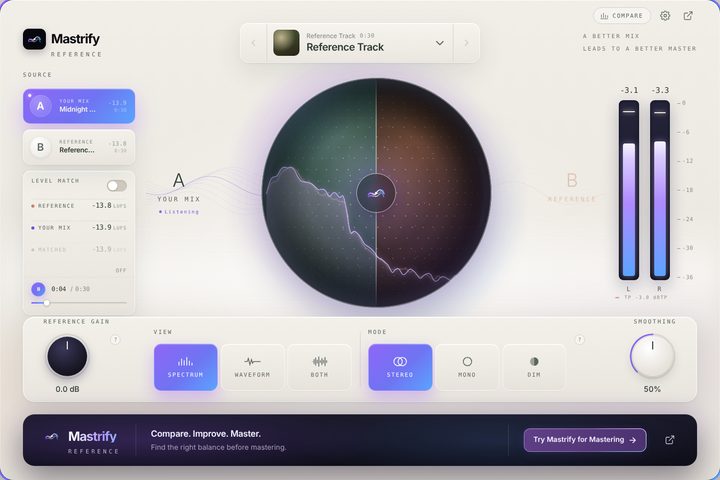
Reference
Mastrify Reference
Reference comparison directly in your DAW.
- Mac AU
- Mac VST3
- Windows VST3
Mastrify Tools · macOS · Windows
Check your mix, refine it with free tools, then master it. Everything you need around Mastrify mastering.
01 / Audio Tools · Free
Reference · Meter · Inspect
One installer for all three tools. Choose the ones you want during installation, and run it again to update.
Mastrify Tools run on macOS and Windows. Open this page on your computer to install them.
Mastrify Reference
Reference comparison directly in your DAW.
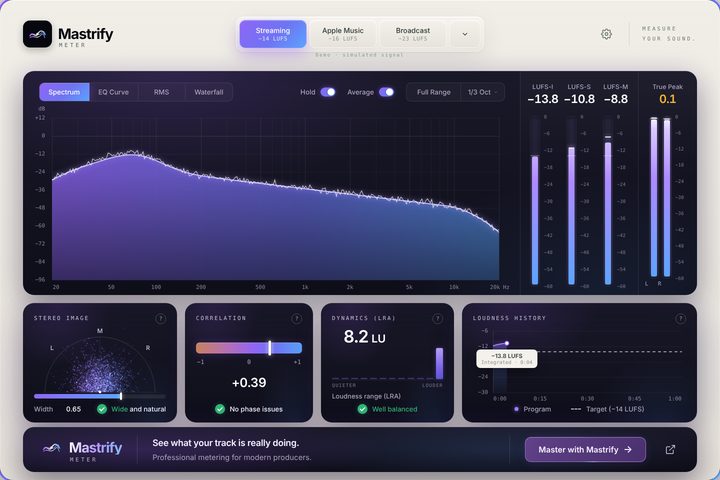
Mastrify Meter
Live loudness, spectrum, stereo and dynamics.
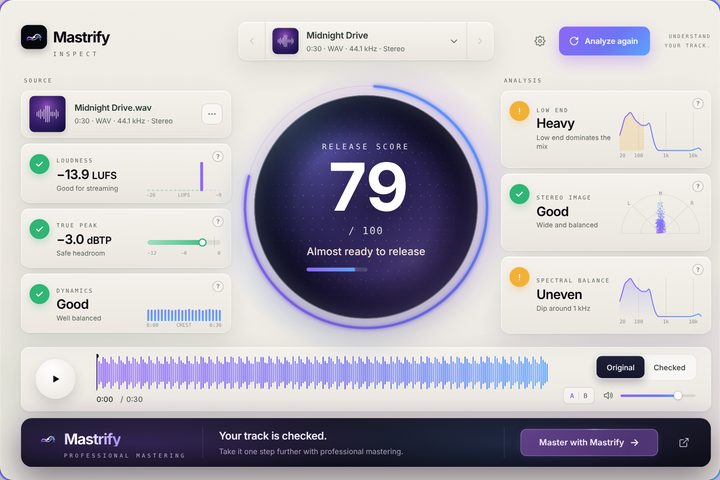
Mastrify Inspect
Understand your track before release.
Mix sounds right?Master it with Mastrify ↗
02 / Desktop
Your Mastrify studio on desktop.
Mastrify mastering as an app, and the Mastrify Analysis plugin for your DAW, in one installer. Free to download; you pay $9 per master when you export.
03 / Analysis
Understand your mix with clarity.
Upload your mix and see loudness, dynamics, stereo, low end and the main issue to fix.
Analyze your mix ↗The Mastrify Analysis plugin comes with Mastrify Desktop. Put it last on your master bus.
Get Mastrify Desktop ↗Then take it all the way.Start mastering ↗
Installing
macOS
If macOS stops the installer, open System Settings › Privacy & Security and choose Open Anyway.
Windows
If Windows shows "Windows protected your PC", choose More info and then Run anyway.
Setup and troubleshooting:mastrify.com/help ↗